

Features in more detail:
Driver Compliance:
This is important to validate the drivers' ability to provide services to the business.
Driver PIN number provides security and validation:
The drivers' signature, along with date, time and GPS position is sent back to the communication Gateway and into the database.
Job summary screen:
Jobs are automatically received to each mobile unit via GPRS/3G connectivity Drivers can see what jobs have been allocated. The jobs can be put into “set run” order or can be moved around by the driver to suit. New ad hoc jobs can be added through-out the day.
Job and Stop Instruction:
The driver can click on a job in the summary screen and bring up a job details, highlighting the address, type of service, contact and stop number. A stop or part of leg of pickup or delivery can be rejected. The driver can select a reject reason message to record the action.
Barcode Scanning:
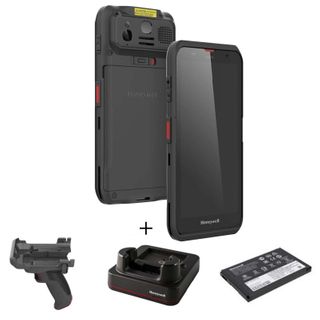
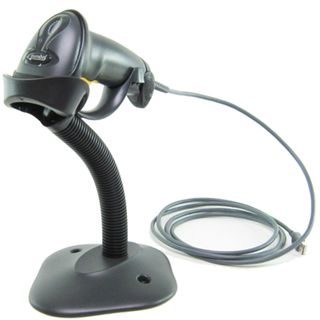
From the job/stop details screen the driver can select Load/unload depending if it is a pickup or deliver. The barcode of the consignment or parcels can be captured and recorded.
Driver Transfer Function:
For in depot cross docking or in the field driver transfer, the parcels or consignment can be scanned and transferred from driver to driver or locations. A manifest of what parcels and consignments can be created and recorded with this feature.
Barcode Scanning:From the job/stop details screen the driver can select Load/unload depending if it is a pickup or deliver. The barcode of the consignment or parcels can be created and recorded with this feature.
Proof of Delivery:
Dangerous Goods: -The driver can also record the pick and delivery of Dangerous goods. A timer outline is highlighted to show the Elapsed time for demurrage time. The item/items can be signed for at the time. The depart button records the time of leaving the stop.
Driver Messaging:
The Office base or radio despatcher can send messages to the driver through-out the day. |